

Changing on KAYAK for Business
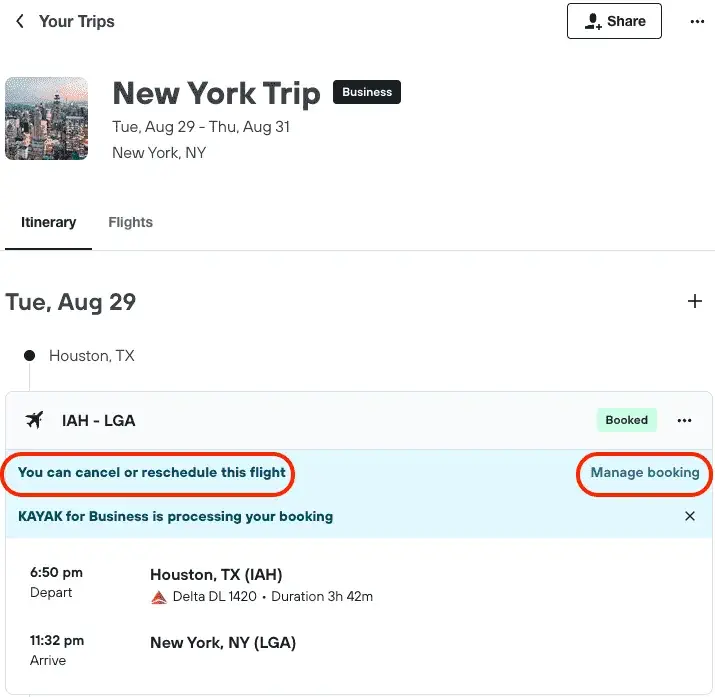
To make changes to your trip on KAYAK for Business, find the relevant booking in your “Trips”.
You can make adjustments with the “Manage Booking” function.
The trip will indicate if you can cancel or reschedule the booking.
Cancellation & Unused Tickets
We understand that plans can change unexpectedly. That’s why with Biz+, your cancelled travel can be converted into unused ticket credits, ensuring you don’t lose out on your investment. Keep your options open and use these credits towards your future journeys.
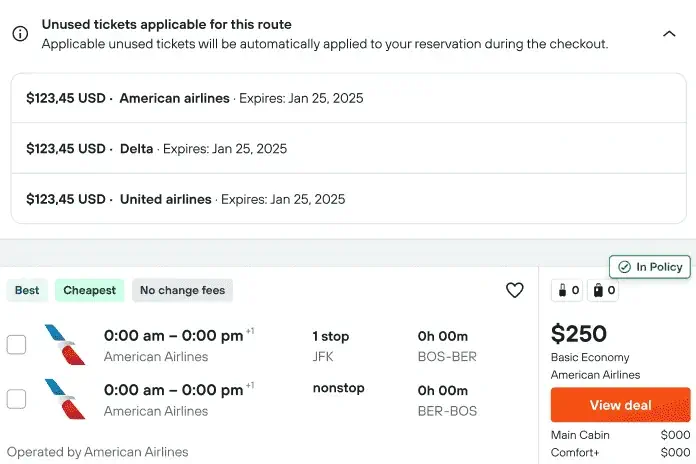
Unused tickets: Your unused tickets are displayed when it’s applicable and Biz+ reminds you to use them before expiry.
Carrying over old Unused Tickets: While you can claim for unused tickets on the bookings you’ve made on Biz+, your old credits cannot be carried over to Biz+.

Changing with an agent
Biz+ also provides you with the convenience of making changes and cancellations offline through our experienced travel agents.
- Call: If you need fast help, for instance if you’re experiencing travel disruption.
- Email: If your request is less urgent. You can still expect a quick response