Need a new photo for your passport, but prefer to take it at home to save time and effort? Taking a passport photo at home can be both practical and cost-effective. However, it requires attention to detail and strict adherence to precise guidelines.
In this post
Can you take your own passport photo?
What is the best way to take a passport photo at home?
Can I take my passport photo with my phone?
What should I wear for a passport photo?
A few tips to take a toddler/baby’s passport photo at home
The common mistakes when taking a passport photo at home
FAQ
Can you take your own passport photo?
Yes, you can take your own passport photo at home. However, you must meet specific requirements for the photo to be accepted.
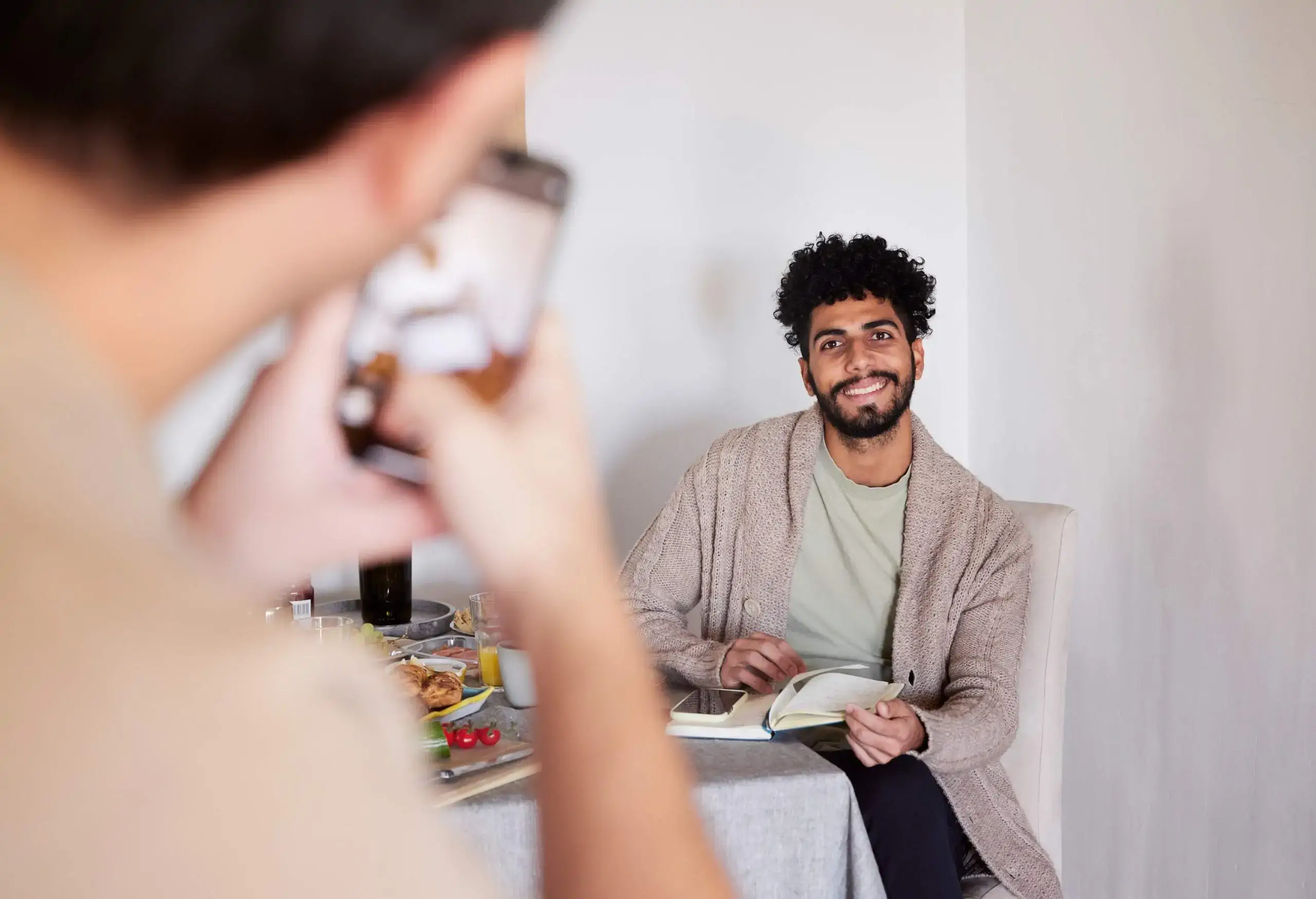
Selfies are not accepted for online passport photo uploads (the Department of State instructs applicants to have someone else take the photo or use a tripod). If you are uncomfortable taking your own passport photo, you can let a friend or another person take it for you, or have it taken by a professional photographer.
What is the best way to take a passport photo at home?
I have made a personal research when I had to take my own passport photo at home and I found out that following the official requirements for a passport photo is the easiest and safest way to do it. This detailed video will definitely help you, or you can keep reading, as we’ll explain everything for you.
Official requirements for a passport photo
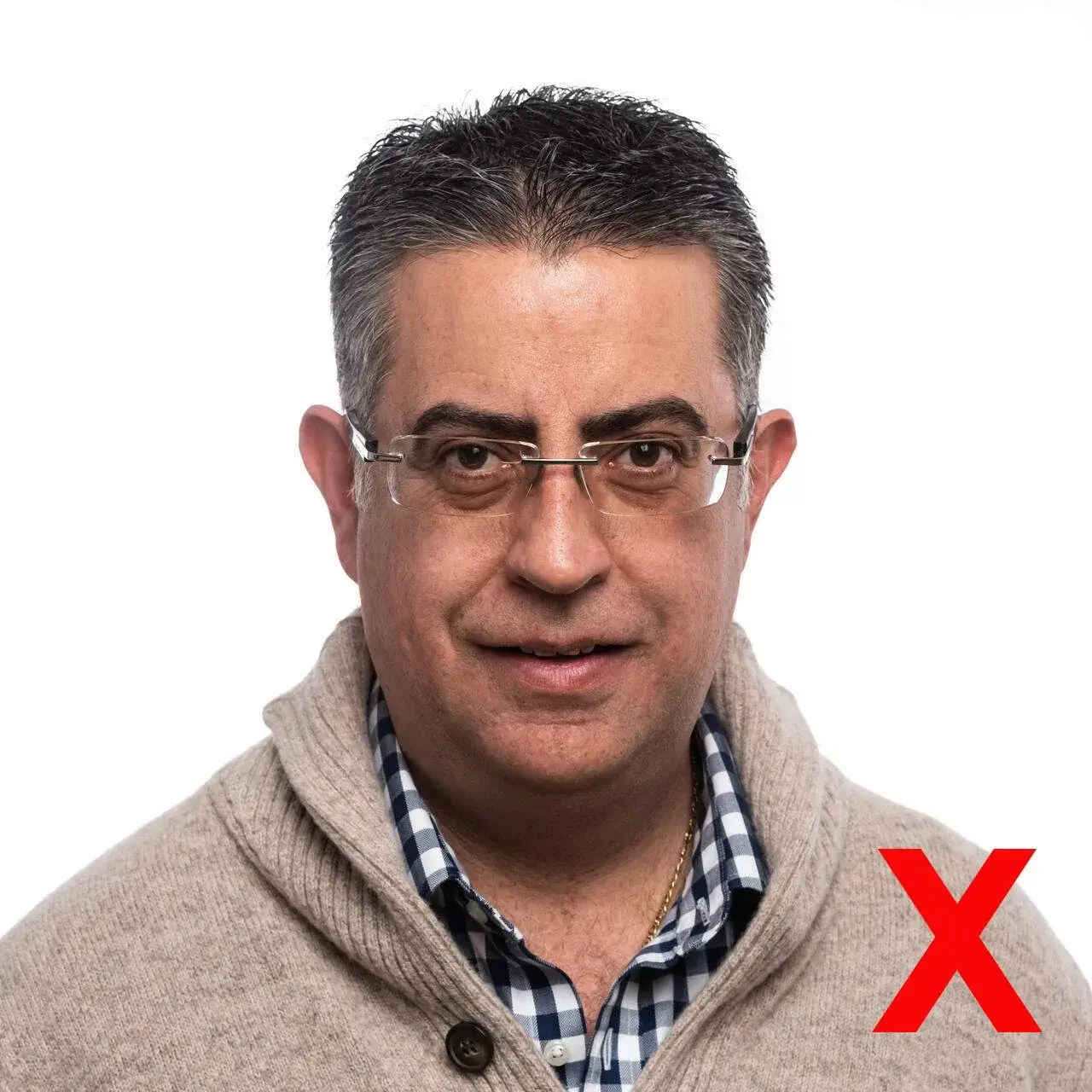
Your passport photo must meet the following general guidelines:
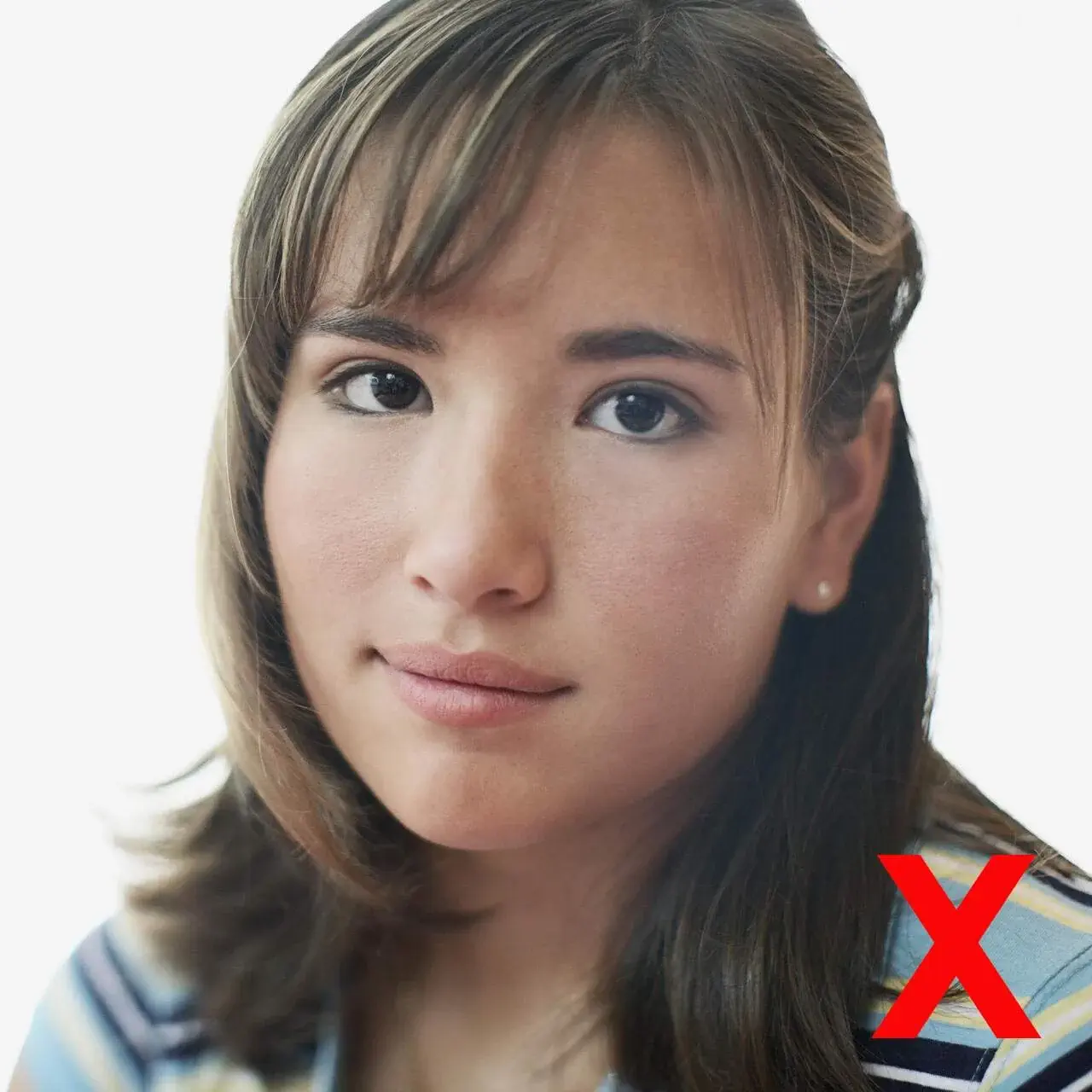
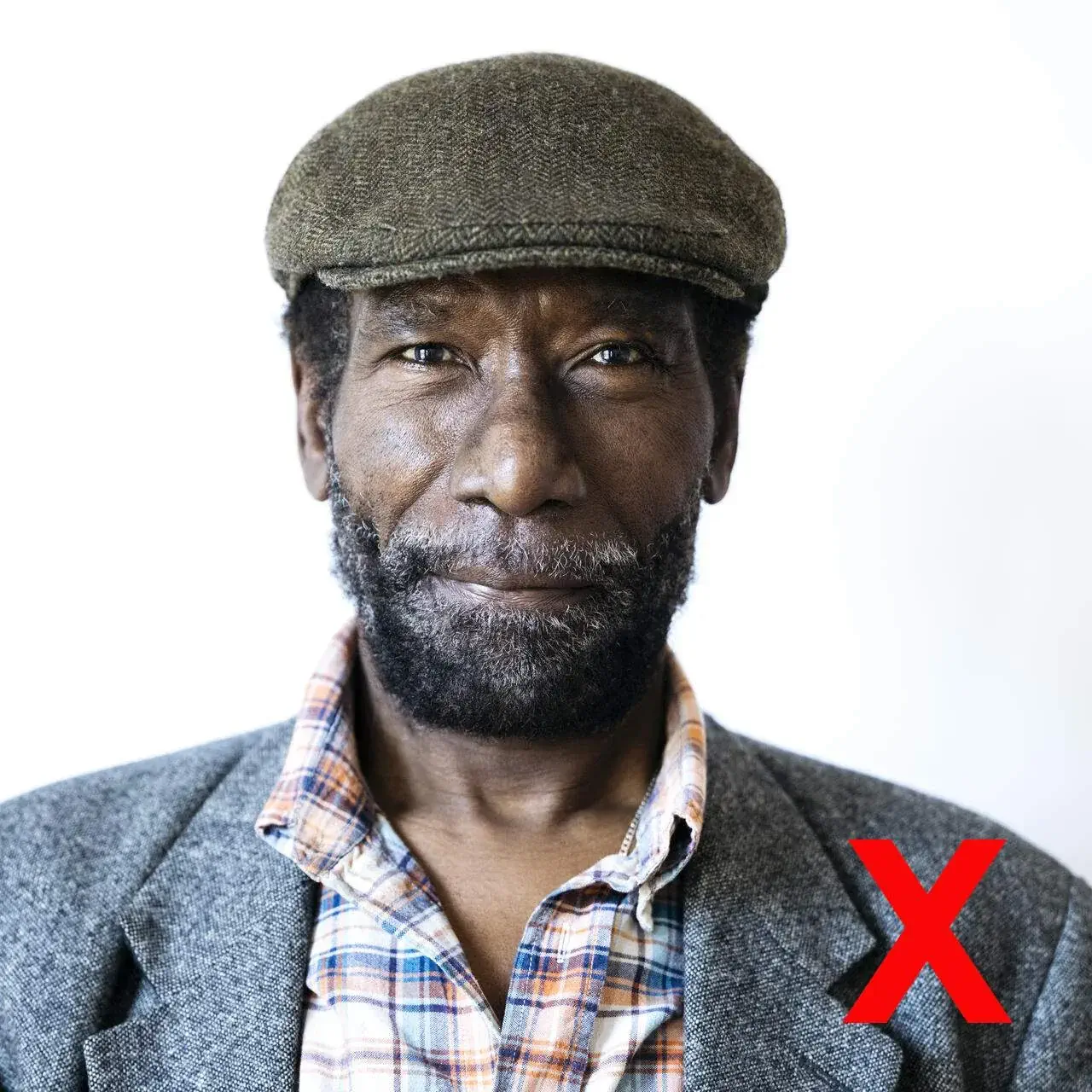
- It must be in color and taken within the last 6 months.
- The background must be plain white or off-white with no shadows, lines, or textures.
- The photo must be 2 inches by 2 inches (51 millimeters by 51 millimeters).
- It must be clear and well-lit with no visible pixels, printer dots, or filters commonly used on social media.
- Your head must be centered and take up most of the frame, sized between 1” and 1 3/8” (25 and 35 mm).
- You must face the camera directly with a neutral expression and eyes clearly visible.
- You must not wear eyeglasses. Even if you wear them daily, you must remove them for a photo.
- You may not wear headwear unless for religious purposes. Your full face must be visible, with no clothing obscuring the face.
- In the case of children, no other person is allowed in the photo, and they should face the camera with their eyes open. Your infant’s photo is acceptable if their eyes aren’t entirely open.
Following these requirements will ensure your photo is accepted for your passport application without any issues.
How to match these requirements at home?
Here is a step-by-step guide on how to take a passport photo at home to match the official requirements:
- Look for a well-lit area (near windows). Natural light is the best, but use artificial light if necessary.
- Find a white or off-white background free from lines, textures, and shadows.
- Use a camera or smartphone with the best quality and resolution.
- Have someone else take the photo, or use a tripod.
- Look at the camera directly, maintaining a neutral expression with your mouth closed.
- Ensure your face is centered in the frame.
- Take off your sunglasses or headwear unless it’s for religious or medical reasons.
- Take several photos to pick the perfect one. Use a timer or remote shutter release to avoid camera shake.
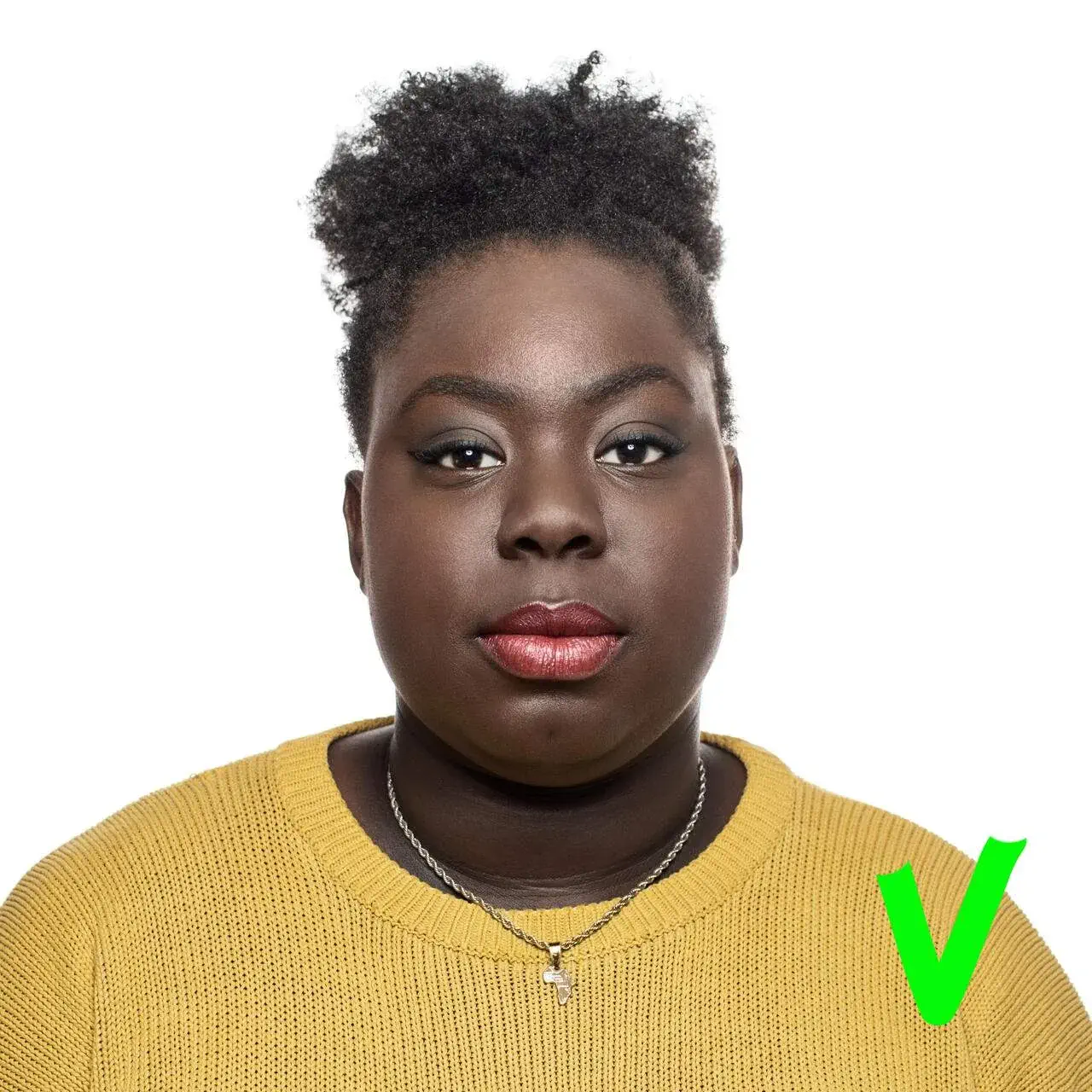
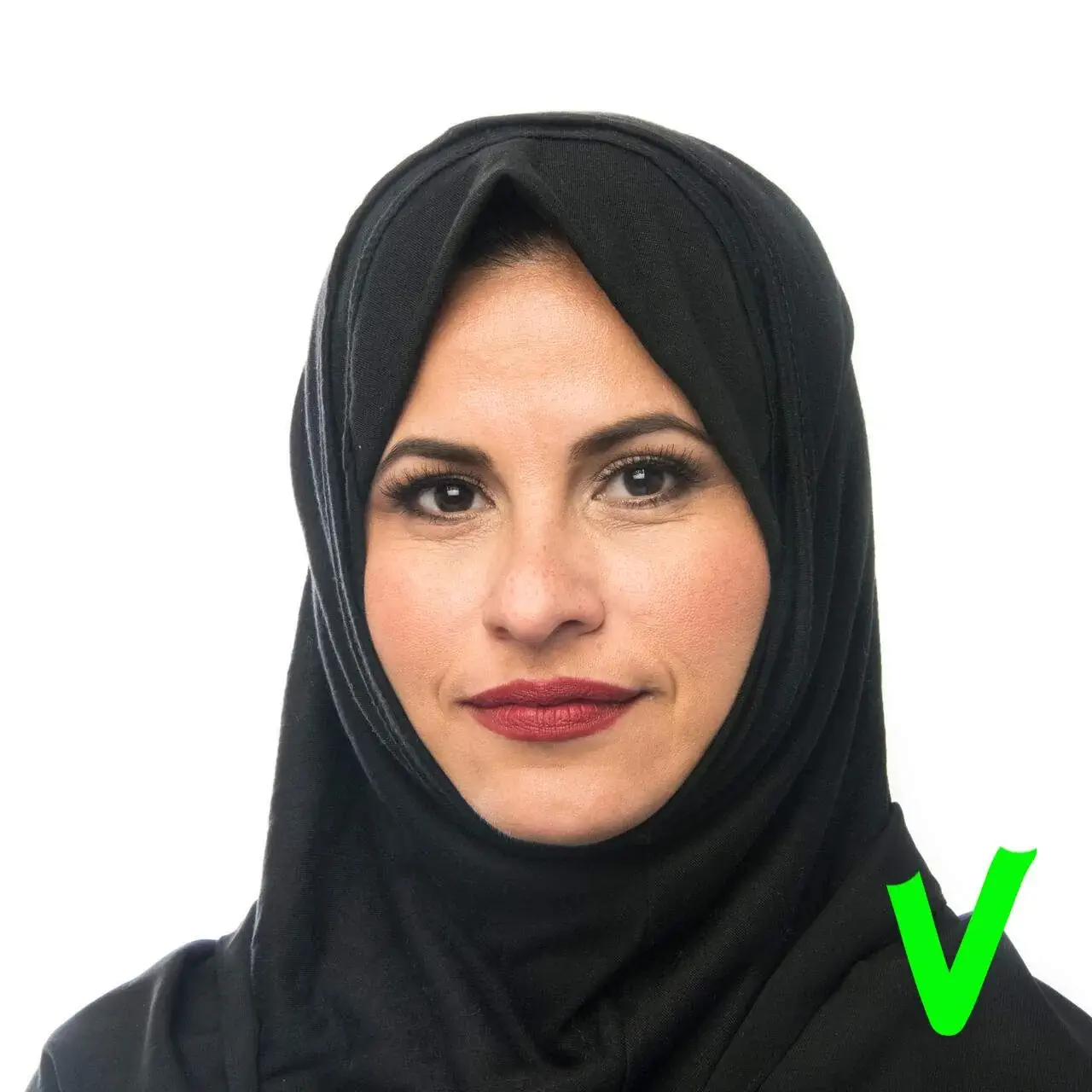
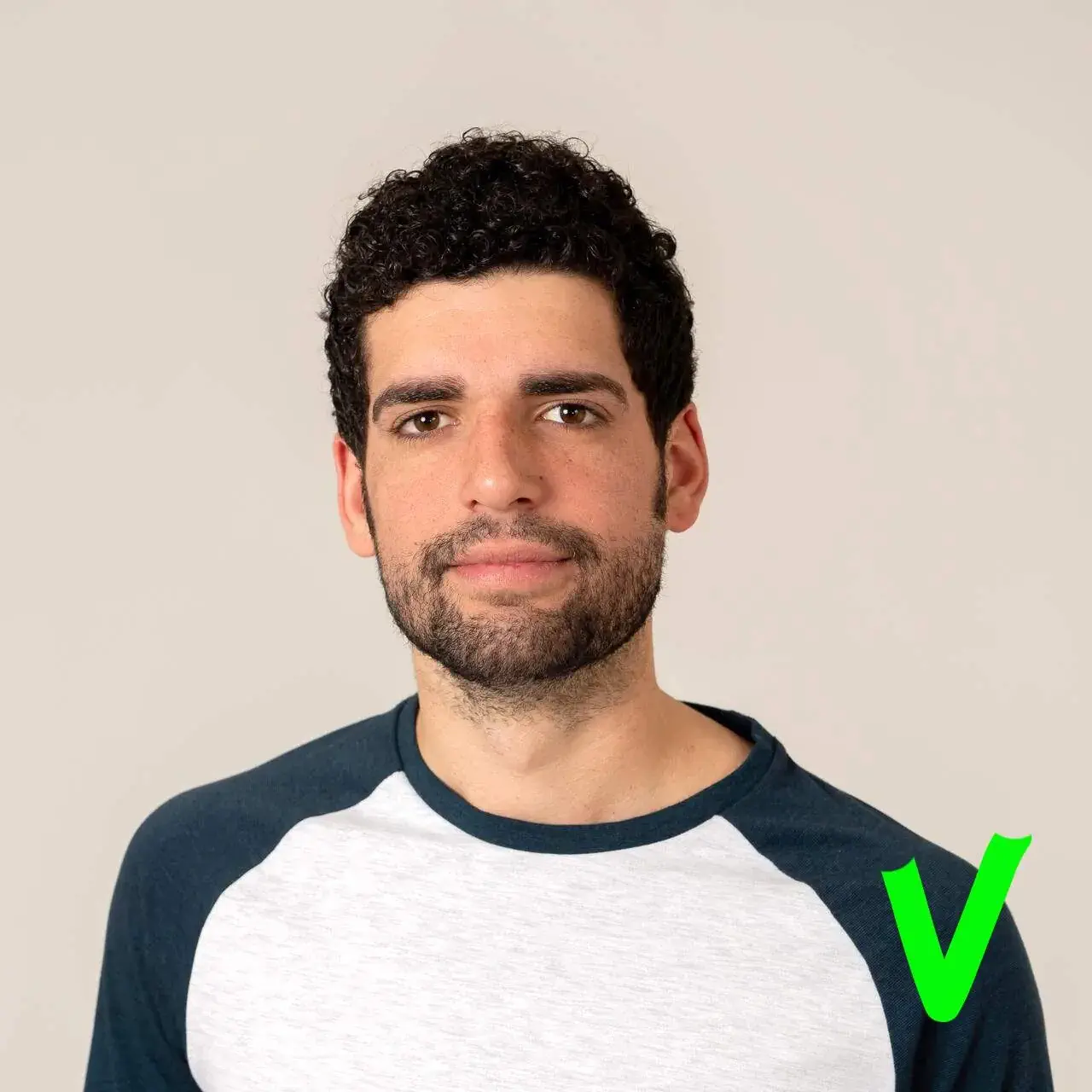
Once you have taken the photo, crop the image and adjust the background if necessary to match the size requirements. Use the photo tool to confirm if your photo meets the passport requirements.
Can I take my passport photo with my phone?
Yes, you can take a passport photo at home conveniently with your phone. Take it from someone who has done it before. Modern smartphones produce high-quality images that meet official requirements, provided you follow the guidelines for background, lighting, facial features, and attire. For online passport renewal, the Department instructs applicants to have someone else take the photo (selfies are not acceptable for the upload), so use a tripod or have someone help you take the photo.
Once you have taken the photo, you’ll need to crop and resize it to the required 2 x 2 inches (51 x 51 mm). The U.S. Department of State provides its own photo tool for cropping and resizing. While third-party tools exist, the Department does not officially endorse them, and acceptance is at the Department’s discretion.
What should I wear for a passport photo?
One of the most important tips on how to take a passport photo at home is to wear appropriate clothing. What you usually wear on a daily basis, excluding uniforms, that meets the requirements when taking a passport photo is the best solution.
Putting on the right attire presents a professional and well-groomed appearance for your travel documents, ensuring a hassle-free application process. You’ll be ready to visit trending European cities with confidence and style.
A few tips to take a toddler/baby’s passport photo at home
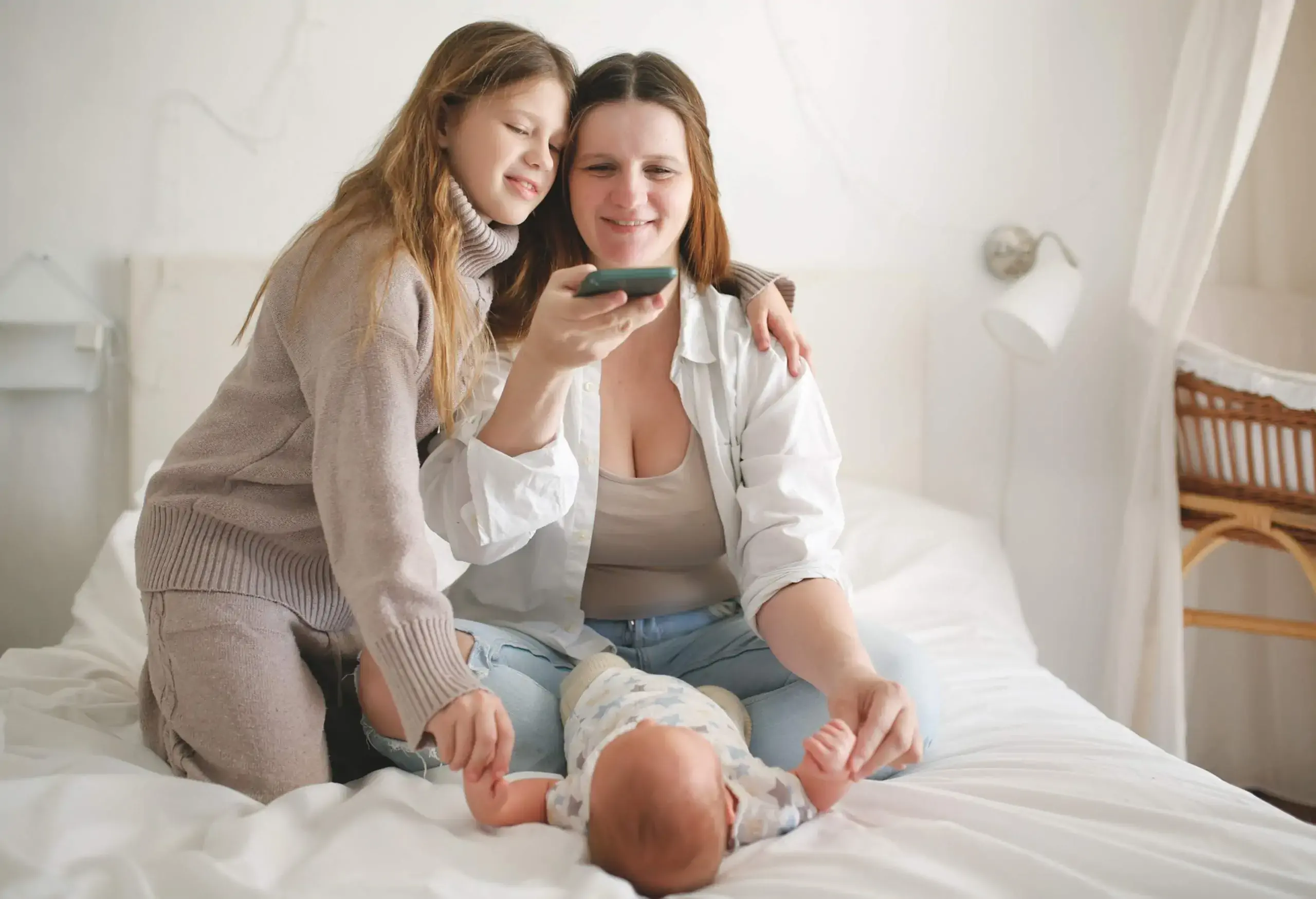
Capturing a passport photo of a toddler or baby at home can be a delightful, yet challenging task. Here are some tips before you take a passport photo at home for your child:
- First, make sure no one else is in the frame. Don’t hold the baby or make someone else do it for you.
- Get your child’s attention. This would be a real challenge, but I’d recommend using a beloved toy or a playful game, even if it involves making some funny faces or sounds.
- As for the background, you can lay your baby on their back atop a plain white or off-white sheet. I’d recommend using a car seat covered in a plain white or off-white sheet. It provides additional support for your baby’s head.
- Beware of shadows on your baby’s face, especially when taking a photo from above while the baby is lying down. This could be somehow tricky, but you can try multiple angles to find the best shadow-free shot of your little one.
- Lighting is key. Natural light is the best, so try positioning your baby near a window or take them outside for a brighter shot.
- Centering your baby in the frame is a good rule of thumb, and don’t forget to double-check that their face is in full view.
- Babies and toddlers are unpredictable beings, so take multiple shots to increase your chances of capturing that perfect passport-worthy expression.
Taking a baby/toddler passport photo is not the easiest of tasks, but I hope that some of the above tips will guide you through a stress-free application process for your little one’s travel documents. You can look forward to unforgettable family adventures around the world or even road trips to different states with a rental car.
The common mistakes when taking a passport photo at home
When debating on how to take a passport photo at home, you should be aware of the common pitfalls that may lead to photo rejections or delays in your passport application process. Here are common mistakes to avoid when taking a passport photo at home:
Conclusion
Capturing a passport photo at home offers convenience and saves you money. However, you must meet specific requirements for the photo to be accepted. Following the above tips and guidelines will ensure you capture the perfect passport photo for a smooth application process.
If you enjoyed this article, you might also want to learn more about Passport & Visa requirements, such as the countries you can travel to visa-free, the best all-inclusive resorts no passport needed and much more.
Frequently asked questions
Yes. Every U.S. citizen, including infants and children under 16, needs a passport to travel internationally. Apply using the child/infant passport application process with required supporting documents. Learn more on our dedicated passport for kids article.
Either is acceptable. Passport photos may be printed on high-quality glossy or matte photo paper as long as the image is clear, correctly sized, and unaltered.
Yes, religious or medical head coverings are allowed if they do not obscure the full face or cast shadows. Some visas or foreign passport rules may require additional documentation, so check specific agency requirements before submitting.
Yes, a baby may be swaddled only if the swaddle does not cover the face, cast shadows, or obscure the head and neck. No other person or hands may be visible in the frame.
No. No other person’s hands or body parts should be visible. The child must appear alone in the frame with their full face visible.
No. Hair accessories that obscure any part of the face are not allowed. Only religious or medical head coverings that do not obscure the face are permitted.
The foregoing article was last updated on the 20th of January 2026. It does not contain legal advice and is for informational purposes only. KAYAK does not guarantee, and accepts no legal liability arising from or connected to, the accuracy, reliability, currency or completeness of any of the information contained in this article and/or any of the content linked to within it. Always check the official government website of your departure and arrival destinations prior to travel for up-to-date information.
Sources:
https://travel.state.gov/content/travel/en/passports/how-apply/photos.html
https://travel.state.gov/content/travel/en/us-visas/visa-information-resources/photos.html