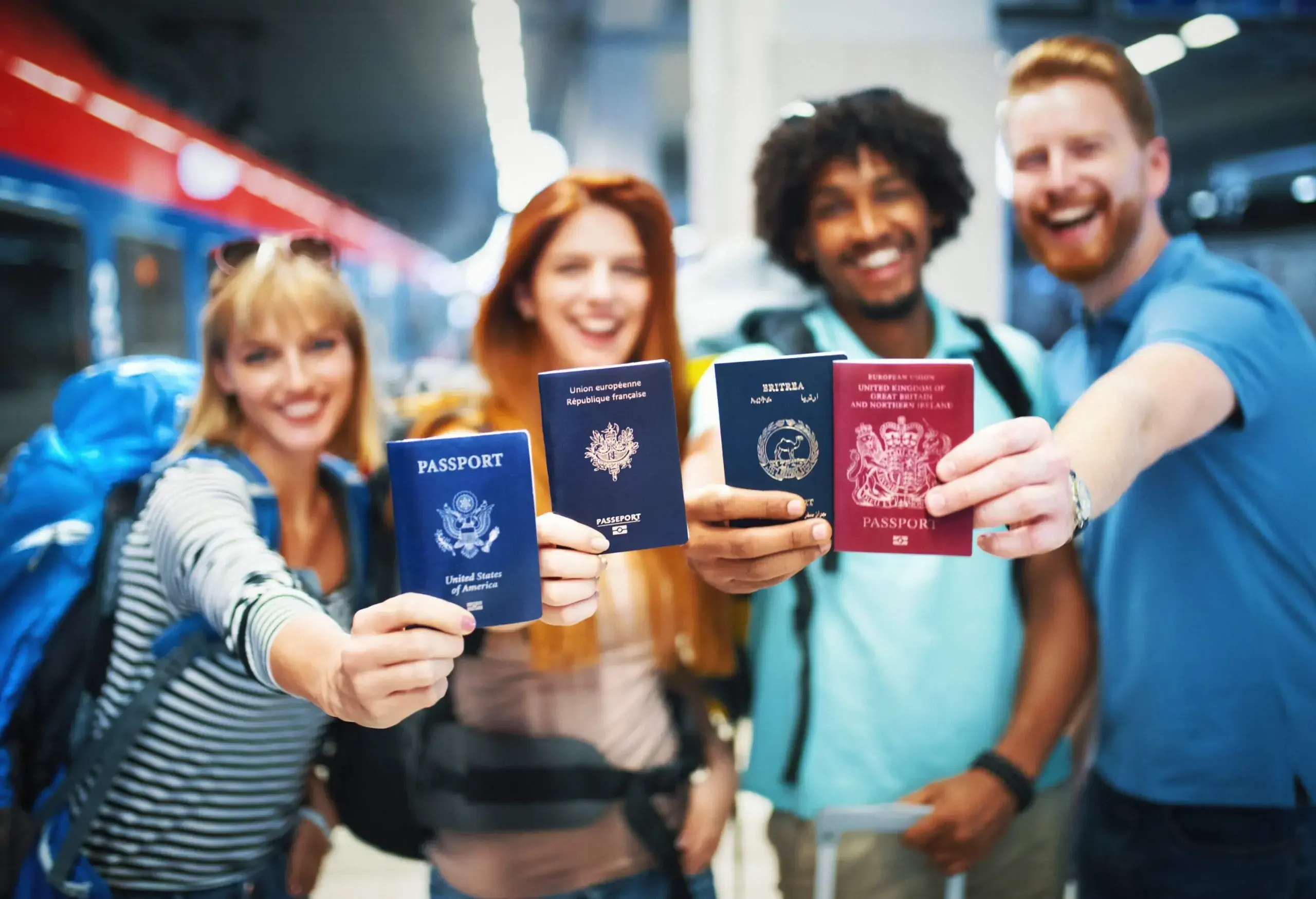

Nobody likes long lines. If you’re an American flying home from an international trip, Mobile Passport Control is a free app that can expedite your entry into the U.S. at the airport. All you have to do is download the app, fill out your information upon arrival, and use the special Mobile Passport line at the immigration checkpoint. It’s available to all U.S. citizens and lawful permanent residents, and there’s no need to apply for Global Entry.
In this post
What is Mobile Passport Control (MPC)?
Who is eligible for Mobile Passport Control?
Where can you use the Mobile Passport App?
5 reasons why you should use Mobile Passport
FAQ
What is Mobile Passport Control (MPC)?
Mobile Passport Control is a free mobile application operated by U.S. Customs and Border Protection (CBP). Eligible travelers who enter their passport data, take a self-photo, and submit customs and arrival answers in the app can use the expedited Mobile Passport line at airport immigration, which is typically far shorter than the regular line.
Who is eligible for Mobile Passport Control?
All U.S. citizens and lawful permanent residents can use Mobile Passport Control. Canadian citizens traveling to the U.S. as B1/B2 visitors (for casual business or tourism purposes) are also eligible, as are returning Visa Waiver Program travelers with approved ESTA. Most other foreign nationals are not eligible for MPC.

Where can you use the Mobile Passport App?
Mobile Passport Control is currently available at multiple sites, including 35 U.S. international airports, 14 preclearance locations, and 4 seaports.
Example locations include John F. Kennedy International Airport (JFK) in New York, Toronto Pearson International Airport (YYZ), and Miami Seaport. CBP continues to expand MPC locations and add additional sites.
For the most up-to-date list of locations, visit the CBP website for Mobile Passport Control.
5 reasons why you should use Mobile Passport
Discover why you should download Mobile Passport Control today.
1. You will save a lot of time
The Mobile Passport Control line at airport immigration is usually much shorter than the main line. Though you still need to see a border agent if you use MPC, it’s an expedited process. Plus, since it’s not as well known by travelers, fewer people use the line.
2. It’s easy to install and set up
All you have to do is download the app from the Apple App Store or Google Play Store (search CBP MPC) and set up your account using your passport information and other personal details. Once you arrive at the airport, you open the app and follow the prompts (including taking a photo of yourself and answering customs declaration questions). Once complete, you receive a QR code to show to a CBP officer along with your physical passport.
3. It’s easier to get than Global Entry
Global Entry is a Trusted Traveler Program by the CBP that also allows expedited entry into the U.S., but it requires an application via the TTP system, payment of the application fee, background vetting, an in-person interview, and collection of biometric data (fingerprints and photo).
Mobile Passport Control, however, requires no enrollment application. Travelers simply download the free MPC app, create a profile, and submit trip information.
4. It’s free
There’s no charge to use Mobile Passport Control. By comparison, a Global Entry membership costs $120 for five years (though many credit cards do offer credit for the membership).
5. Your whole family can use it
An entire household can enter the U.S. with a single submission via Mobile Passport Control.
The MPC app allows adding up to 12 people to one submission from one device, enabling a household or group to use one submission at the checkpoint.
You will have to set up a profile for each family member in your app, but once you do so, you can add each member to your submission.

Conclusion
Mobile Passport Control is a convenient app for American travelers returning home, allowing them to speed up the immigration process at the airport. Download the app before your next trip abroad.
Frequent questions about Mobile Passport Control
Yes, Mobile Passport is an active CBP program and the only accepted app is the official CBP Mobile Passport app. Private third-party apps are no longer supported. Check the CBP MPC page for current locations and updates.
Yes, it’s free and can save significant time at busy immigration checkpoints. Use it when the MPC lane is open or when you don’t have Global Entry, but carry backup documents and check accepted locations first.
Yes, Canadian citizens traveling to the U.S. as B1/B2 visitors can use Mobile Passport, as can Visa Waiver (ESTA) travelers. Most other foreign visa holders cannot, so verify eligibility on the CBP site before relying on MPC.
You can create and save profiles offline, but you must have an internet connection (cellular or airport Wi-Fi) to submit your arrival information and receive the QR receipt. Prepare profiles before landing so you only need to connect briefly to submit.
Yes, set up a profile for each family member in the app, then add them to one submission so the whole household can be processed together. Every traveler included must be present at inspection.
It depends. Mobile Passport often has a shorter staffed line and can be faster for single arrivals, but Global Entry provides automated kiosks and usually quicker throughput overall. Use whichever lane is fastest at your arrival.
The foregoing article was last updated in December 2025. It does not contain legal advice and is for informational purposes only. KAYAK does not guarantee, and accepts no legal liability arising from or connected to, the accuracy, reliability, currency, or completeness of any of the information contained in this article and/or any of the content linked to within it. Always check the official government website of your departure and arrival destinations prior to travel for up-to-date information.
Source: https://www.cbp.gov/travel/us-citizens/mobile-passport-control
https://www.cbp.gov/travel/international-visitors/visa-waiver-program