

Making a great travel itinerary doesn’t have to involve a bunch of apps, screenshots and travel panic. Our Trips tool keeps your itinerary, reservations and booking details in one place - no matter where you booked. Even offline, you can access essential details on the KAYAK app or your Apple Watch.
All you have to do is forward your bookings to trips@kayak.com. We’ll automatically create your travel itinerary from there. Traveling with friends or family? Add them so everyone can see the same details. Fewer “what time is check-in?” texts for you.
Create your itinerary with Trips.
Here’s how to build a stress-free travel itinerary using Trips, without turning your camera roll into a confirmation-number graveyard.
Note: for the best access to features, like offline use, download our App.
1. Start with your transport.
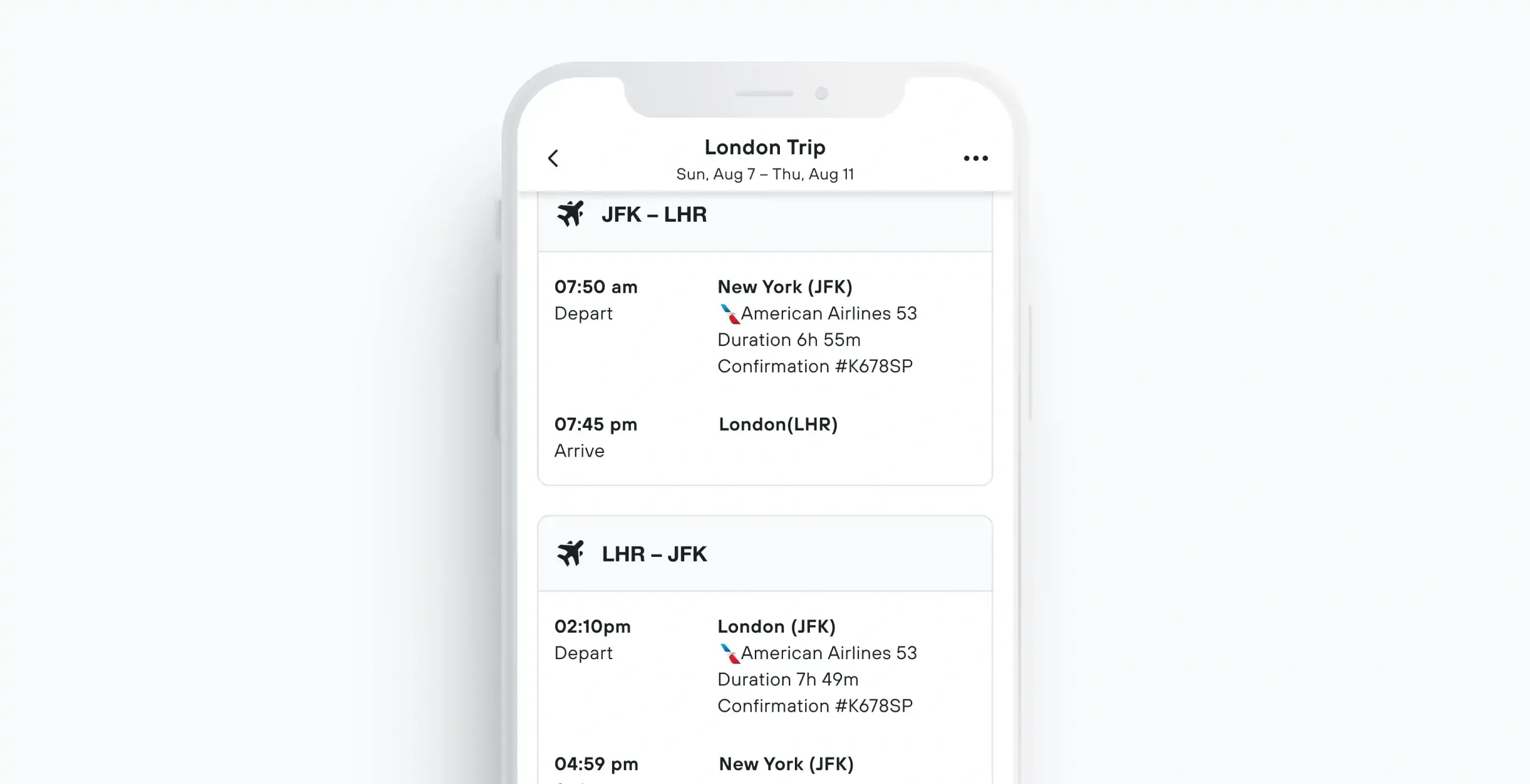
Add your flights, car rental or other transport bookings first. If you’re traveling with a group, you can add your friends or family as collaborators.
Once added, you’ll get live updates on delays, cancellations and gate changes if they happen. Helpful when your gate moves from A4 to “somewhere in another zip code.”
I love that you can find the booking number of the flight on the page. I always find that such a hassle when I’m at the airport or checking in.
Fie Korum, Head of Content at KAYAK and avid Trips user
2. Add your accommodation.
Next up, where you’ll stay. Forward your booking or bookings, and Trips will automatically include check-in and check-out times, hotel addresses and confirmation numbers. So when you land tired, hungry and suddenly unsure where you’re going, your itinerary has your back.
3. Plan your activities.
Now for the fun part. Figure out what you and your travel companions want to do on your vacation. Book anything you think is likely to sell out, and forward those reservations to your Trip on KAYAK.
This could be tours, attractions or restaurant reservations. Just remember to leave some open space too. The best part of a trip is often the thing you didn’t schedule down to the minute.
4. Share your itinerary.
Trips are better together, after all. With Trips, you can easily share itineraries, collaborate on plans and keep fellow travelers in sync every step of the way. When we asked our VP of IT about his favorite Trips feature, this was top of the list:
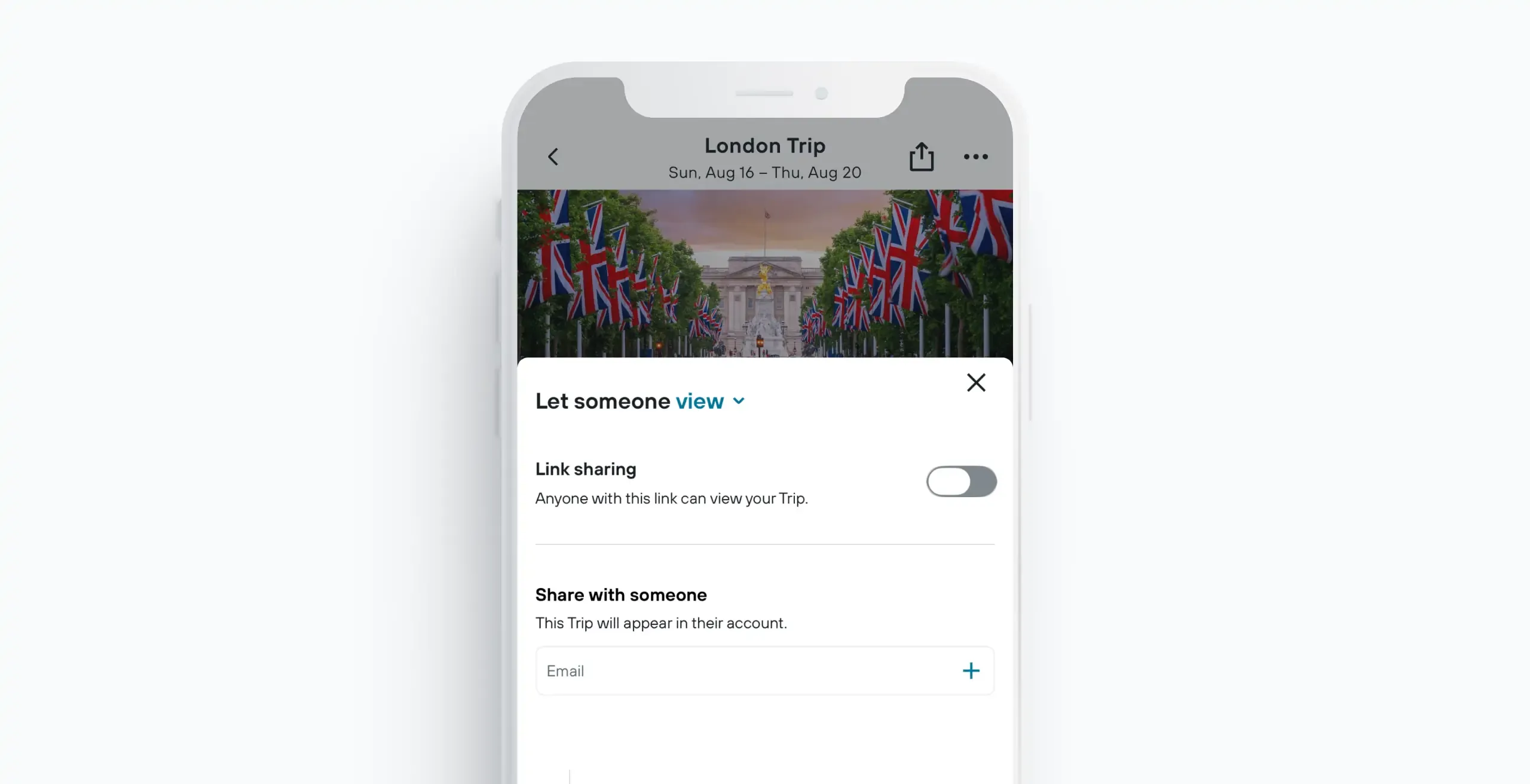
I love being able to share my trip itinerary with friends and family. All my trips are shared with my spouse and daughter by default.
Tom Parker, VP of IT at KAYAK and avid Trips user
5. Look back on all your vacations.
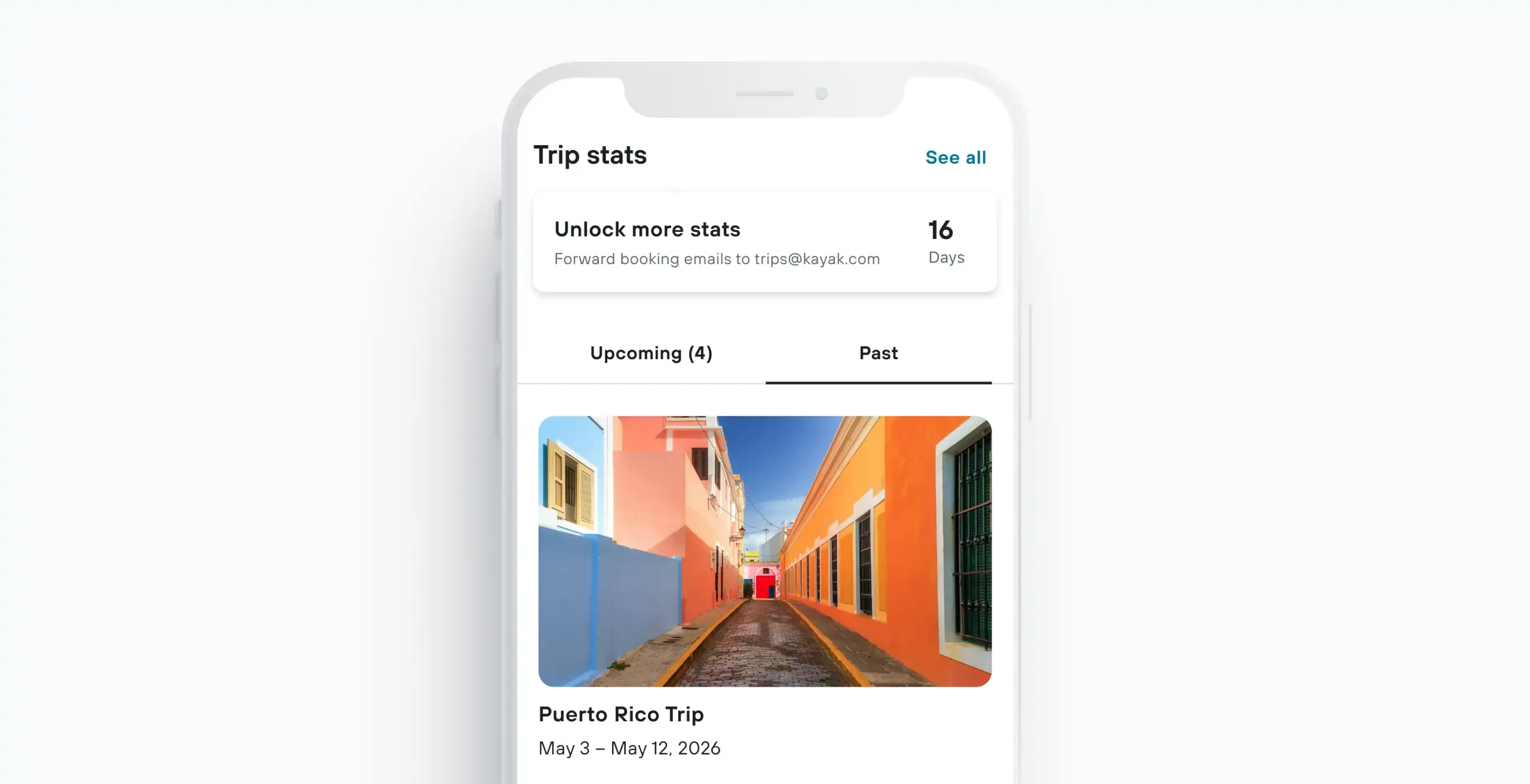
After your vacation, indulge in some nostalgia. Trips keeps track of all your travel stats, from how many countries you visited to the airports you’ve traveled through and your top destinations. Feel like showing off? Simply hit share.
More Trips tips from KAYAK travel experts.
- Use Trips to have your hotel address on hand, making it easier to find the first time.
- If you have a longer or more complex vacation coming up, save all your details from various websites in Trips. From the exact time the train leaves for the airport, to all the tours/events you’ve booked.
- Forget the name of that great hotel you stayed at? Check Trips to see all your old bookings.
- Share the planning load with a friend by giving them collaborator access. This way you can both add bookings and keep track of the itinerary.
FAQs
Include your transport, accommodation, booking references, important times, addresses and planned activities. Keeping everything together makes it easier to find the info you need when you’re on the move.
Yes. Our Trips tool keeps your travel bookings together in one itinerary, no matter where you booked.
Yes. Trips lets you access your itinerary offline, even when you're in airplane mode or have limited connectivity.
Trips allows you to share itineraries and collaborate with fellow travelers so everyone stays up to date. All you need to do is hit share and choose either view only or edit access.
Simply forward your booking confirmation emails to your dedicated Trips email address and our Trips tool will automatically organize them into your itinerary. Find more information on our Help Center.