

What’s the difference between KAYAK and other travel sites? Why should you search one over the other? Can you trust the great deal you found?
We’re here to set the record straight about who we are, what we do and how to use us to find your ideal flight, hotel or car rental.
In this article
- What is KAYAK?
- How do I search for flights on KAYAK?
- How do I refine my KAYAK search results?
- KAYAK tools that can help save you money
- Is KAYAK a trustworthy site?
What is KAYAK?
Yes, we’re named after a boat. No, we don’t sell actual kayaks (or any boats – but you can search for cruises). Here’s what we do and what makes us different.
We’re a travel search engine.
When you need an answer, you use a search engine. When you need to book a trip, you use us. We’re a meta-search site made for travel, which means we’re essentially a search engine created specifically for travelers.
From flights to hotels, rental cars and more, we scour the depths of the internet to find you the best deals. These options might include results from the flight/hotel/rental car’s own website, online travel agencies (OTAs) and discount suppliers. Only want to see options direct from airlines? That’s possible too.
We bring all this information together, along with money-saving tools like Flexible Dates, Price Alerts and Explore.
We’re not selling you anything.
Since we’re a search engine, we’re not selling you anything. You search on KAYAK, but book with the airline or OTA. All we really care about is making sure you know your options and are finding the best deal out there.
But, because we’re not selling anything, we don’t handle the booking or the customer service for your travel. This means that if you need to get in touch with your booking provider, you should contact the agency or company directly. It also means that we don’t have control over prices and availability. We’re merely the messenger.

What’s the difference between OTAs, metasearch and booking flights direct?

How do I search for flights on KAYAK?
We can help you find hotels, vacation rentals, rental cars, trains, buses… and yes, we’re good at finding flights, too. Here’s a step-by-step guide for how to use KAYAK for your next search.
Pull up our site (or app).
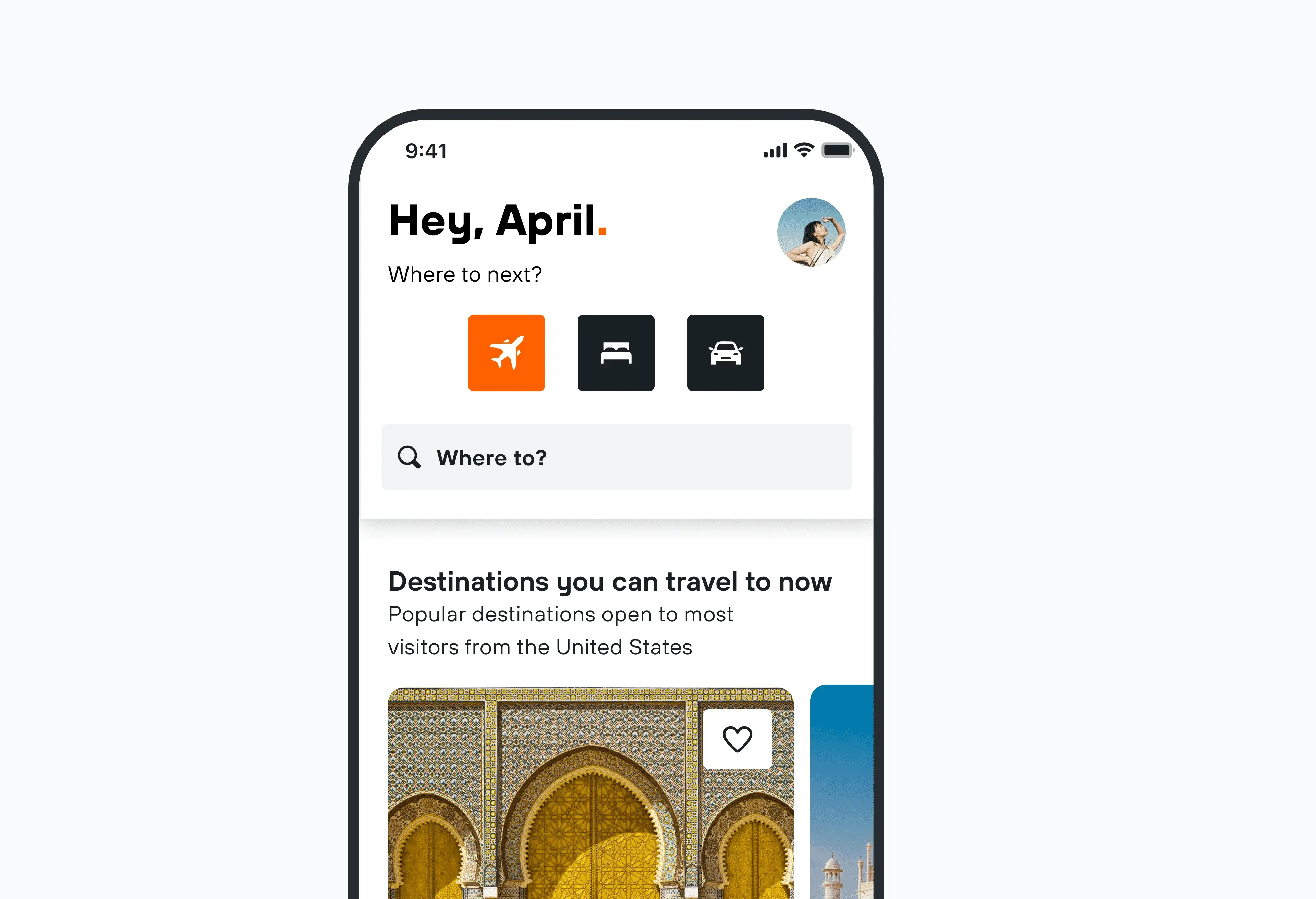
First things first: type kayak.com into your browser (or just click that link) and you’ll find yourself on our homepage. Hi, welcome. From here, click on “Flights”, which is the first option on the left-hand navigation bar under “Sign in”.
Speaking of signing in, creating a KAYAK account makes it easy to track searches, save flights, and start planning. Download our app to your mobile phone or tablet to get the full trip-planning experience.
If you scroll down, you’ll also find more information about what we have to offer, as well as travel inspiration. From trending destinations to upcoming travel events, direct flight suggestions and more, our flights landing page has ever-changing features that can help you travel smarter.
Enter where you want to go.
Back to the search bar, where you can enter your preferred starting airport and destination (or multiple destinations). For more options, select “Add nearby airports” to find others in a 70 – 100-mile radius of your origin and/or destination.
Sometimes, flying into a smaller airport might help you save on a flight. Or you may not realize that an international hub is just an extra 20 miles away.
While we’re on the topic of airports, this would be a good time to select how many flights you need. Use the first drop-down on the left side to choose from one-way flights, round-trip options, or multi-city trips.
Choose your travel dates.
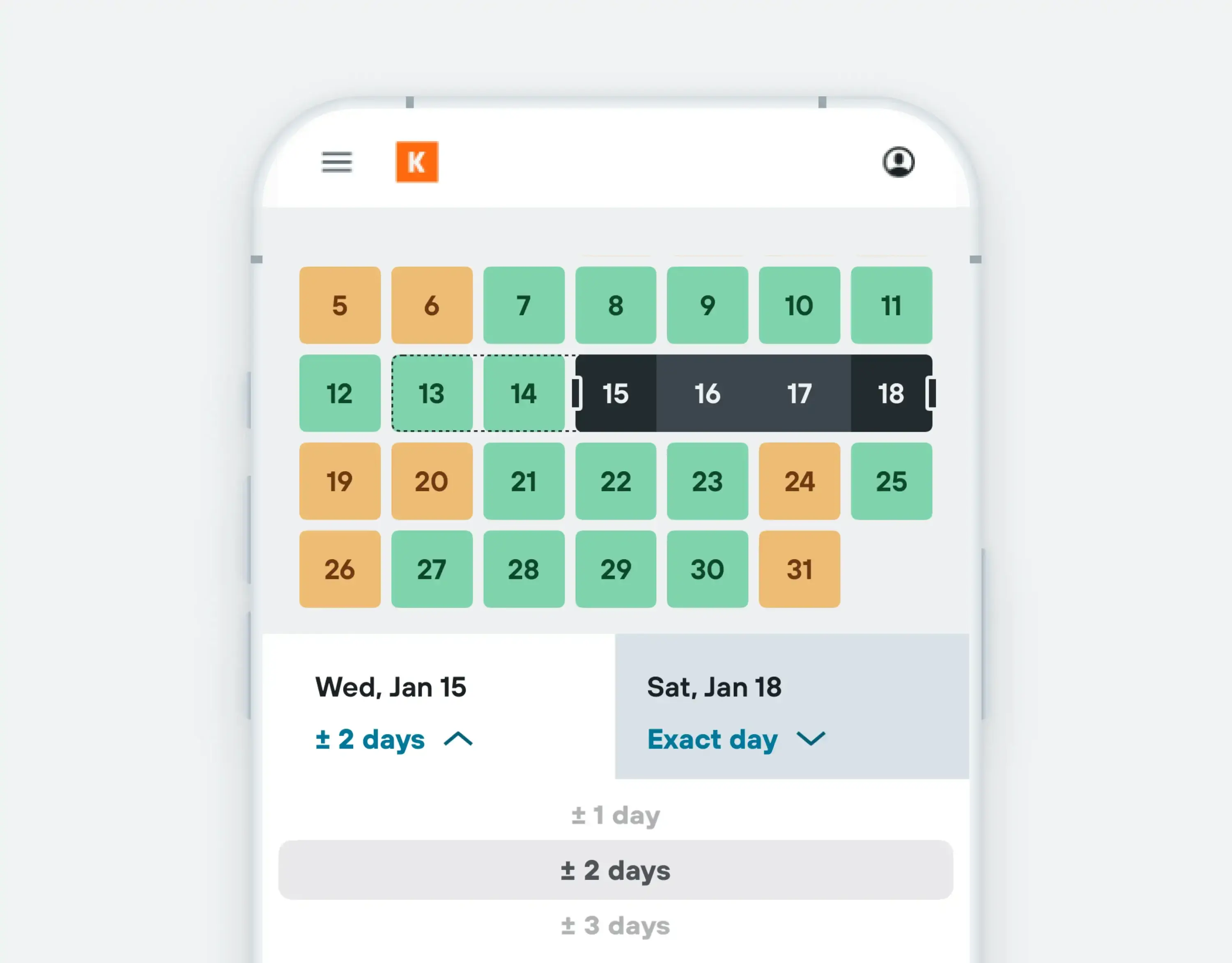
Now, let us know your desired travel dates. If you have set dates in mind, go ahead and plug those in – you can also search by weekend or month. Less concerned about the dates and more concerned about potential savings?
Play around with our Flexible Dates tool. This shows the cost difference for various days, making it easy for you to choose a cheaper departure and/or arrival date.
Add passengers and fare class.
Don’t hit that search button just yet. Once you’ve selected where you’re going and when, let us know how many people are going.
This is also where you can refine the kinds of travelers joining you on your journey, which could change the price of your ticket(s). Last but not least, be sure to select which class you’d like to sit in: economy, premium economy, business, first, or multiple.
Hit that search button.
This is where you can sit back and relax while we search far and wide to find you all your possible flight options. Give us a few moments while we try to uncover the exact flight you need.
How do I refine my KAYAK search results?
This is the fun part, where you can truly customize your search results. Here’s how to use our filters to find the flight that fits your needs.
Narrow down your options by price, timing, provider and more.
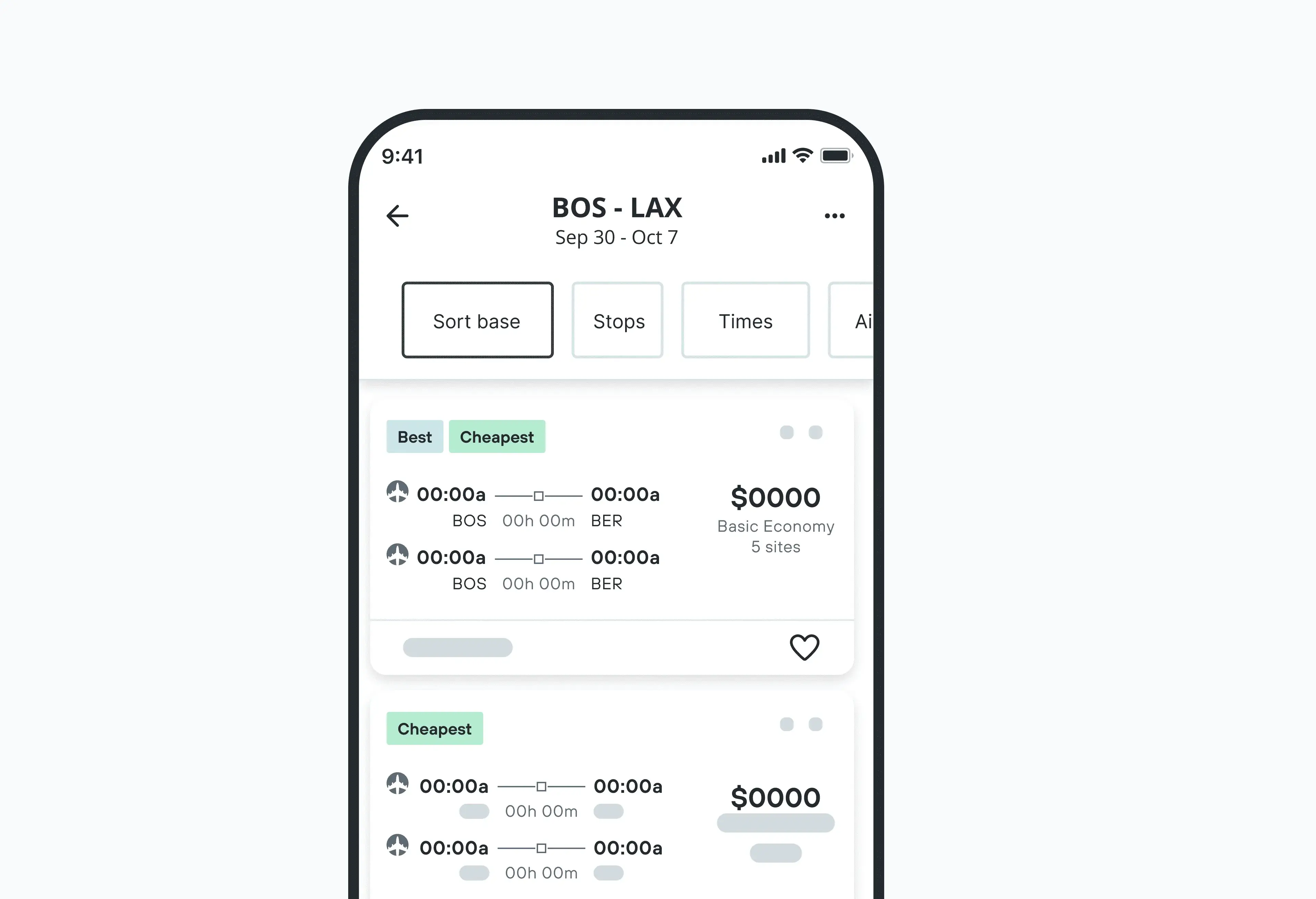
Having unlimited options can be overwhelming. That’s why we’d recommend using our filters, located just below the search bar.
Here, you can sort your flight results based on your preferences, like seeing the cheapest or quickest options first. Other sorting filters include the earliest take-off, the latest take-off, the earliest landing and the latest landing.
Once you get all that sorted (see what we did there?), move on over to the filters menu on the left side. This is where you can really go crazy with search preferences. From limiting the number of stops to airport locations, preferred airlines and more.
How to save money using KAYAK.
We pride ourselves on savings, so we’re constantly trying to drum up new ways to help you score travel deals. Here are some of our favorite tried-and-true flight hacker tools.
Price Forecast.
Pay attention to the little box that says “Our advice” in the top left corner of your search window – this is our Price Forecast tool. This tool uses our search data to help you decide whether to wait or book your flight now, based on price trends and historical prices.
Price Alerts.
Take a closer look at the Price Forecast box. Do you see that little toggle towards the bottom of the box that says “Track prices”? When you switch it on, it creates a Price Alert for your flight search.
Price Alerts let you know when prices go up or down on flights, stays and car rentals, so you can make the right decision about when to book. This toggle isn’t the only way to create a Price Alert – here’s a full how-to guide for using this money-saving feature.
Hacker Fares.
Booking a round-trip flight through one carrier is easy, sure – but it’s not always cheaper. That’s why we created Hacker Fares. By finding two one-way flights that together make a roundtrip ticket, Hacker Fares can help you pay less than you might pay for a normal roundtrip ticket.
These fares sometimes utilize different airports for your departure and return flights. They might also include using two different carriers – here’s everything you need to know about this flight search tool.

What is a Hacker Fare? How to use one-way flights to save money.
Explore.
The occasional urge to pack up and fly somewhere – anywhere – is all too real. That’s one of the reasons why we love our Explore feature.
Using your home airport (or any airport) as a starting point, Explore shows you the cheapest flights to destinations all around the world. This tool is perfect if you want to take a trip but don’t have a specific destination in mind.
The more flexible you are, the more options you’ll find. You can also narrow down your search based on specific dates or date ranges, number of stops, budget, duration or what type of trip you’re craving. Head to our Explore page to try it out or read up on how to use this tool.
Best Time To Travel.
As the most recent addition to our line of money-saving tools, the Best Time to Travel takes the guesswork out of when to take your trip and when to book.
You might have heard mixed messages in the past about which days and times are best for finding cheap flights – with this tool, we’re putting the rumors to rest. Plug in your destination and we’ll help you nail down your trip dates and the best time to book your flights. Give it a try when planning your next trip.
Is KAYAK a trustworthy site?
Travelers love KAYAK – we have over a million reviews on the App Store, have won a bunch of awards and millions of searches are run on our site monthly.
What about the providers?
That said, we know it can be nerve-wracking to put your trust in a provider you’re not familiar with. Here are a few ways to get peace of mind if you do choose an unknown provider. Or to filter your results so you only see providers you know and trust.
Book directly with the airline.
If you only want to see direct booking options, that’s possible. Simply tick the “Airlines only” filter to see the flight options you can book directly through any airlines that fly that route.
To make it even quicker, look for the “Instant Book” icon next to booking sites to book your flight without ever leaving the KAYAK site. After clicking on your selected deal with the “Instant Book” option, you’ll be led straight to the checkout page, where you can complete your traveler and payment details.
See which providers play by the rules.
We know what you’re thinking: it’s great with dozens of booking sites to choose from to get the best deal, but what if the one I go with charges me too much, doesn’t let me know about a flight change or is hard to get ahold of?
That’s why all of the booking sites and flight providers you’ll see in your flight results are required to read and adhere to our provider guidelines. These guidelines ensure they comply with several practices that are important for travelers – like showing what’s included in their prices, complying with local legislations, providing the most up-to-date prices as possible for our site, and maintaining good customer service.
As part of the guidelines, any complaints we receive from our users about a provider will be taken to the provider with the expectation of a prompt resolution. In general, providers who breach any of the guidelines stand to be “paused” or removed from KAYAK until they’ve resolved the issue at hand.

Have more questions? Hit up our Help Center.
FAQs.
At KAYAK, we like to keep things direct and simple. That’s why we have things like our Baggage Fee Assistant, to help you understand what’s included in your fare.
With this in mind, price fluctuations can happen at any time. We try to keep things as accurate and up-to-date as possible, but we have no control over prices.
That means that sometimes when you click “View deal”, the prices on the booking site may differ from what’s listed on our site. Not sure what’s included? Here’s a list of different airline fees.
If you book a flight through KAYAK, any refunds will be handled solely by your travel provider. The airline you find and click through to book with, for example.
Not sure what company to talk to? Check your credit card statement and/or go to Bookings to locate your provider’s information.
If you booked directly with an airline, you can also give them a call to speak with a representative.