

Anxious you’re going to book your flight at the wrong time and end up overpaying? Enter KAYAK Price Alerts and Price Forecast.
Our flight price tracking tools remove the guesswork from buying flights. Price Forecast provides data-backed price predictions, while Price Alerts notify you automatically when prices go up or down. Here’s how to use them to save on your next flight.
How can I track flights with Price Alerts?
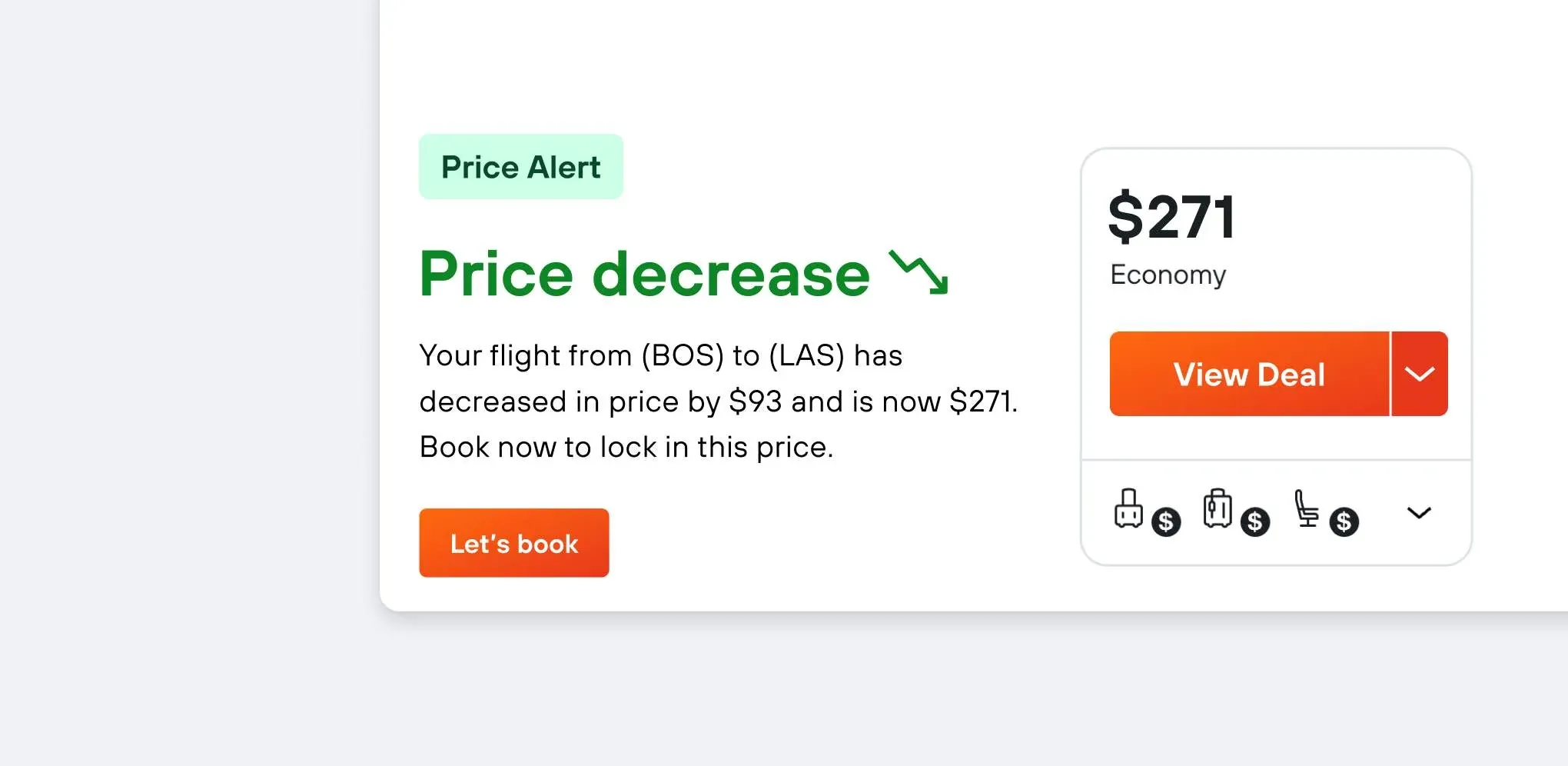
KAYAK Price Alerts let you know when prices go up or down on flights, so you can make the right decision about when to book.
How can I set a flight Price Alert?
Create and manage Price Alerts in the Price Alerts section of your KAYAK profile. Or you can do it on the fly as you search flights:
- Step 1: Go to KAYAK’s flight search
- Step 2: Toggle on “Track prices” at the upper left of your flight results page
- Step 3: Get automatic price updates straight to your email inbox or phone.
Note, you will need to sign in or create a KAYAK account before setting up any Price Alerts.
What is Price Forecast?
Price Forecast uses historical data to predict the right time to book flights. Price Forecast can help you decide whether to buy now or wait.
Unlike Price Alerts, you don’t need an account for this, and you won’t get email notifications. Instead, you’ll see this prediction on most flight search pages as you search – both on our website and on our app.
How to save money on your flights using flight tracker tools.
Now you know the difference between Price Alerts and Price Forecast. Here’s how to use them to book the best flights for your next trip.
1. Track airfare for exact dates.
If you have a destination and travel dates in mind, start by selecting the departure and destination airports, then your dates. Once you’ve run the flight search, toggle on the Price Alert.
This will tell us to keep track of that route for those exact dates, letting you know when prices either rise, drop or stay the same.
2. Monitor airfare for a particular destination.
Maybe you know exactly where you want to go (hello, Amsterdam!), but you’re not really concerned about the when, as long as you get a good deal. If a low price is more important to you than the departure date, you can set up a Flexible Flight Price Alert.
You’ll receive notifications for that route with the lowest price during the time period you selected (if it was “Anytime,” travel is generally within the next 8 months). This is often a win for long-haul flights, which can sometimes see larger price fluctuations.
3. Monitor airfare to the most popular cities.
What if you just need to get away? If where and when don’t matter, set up a Top 25 Cities KAYAK Price Alert. Choose from the US, Europe, the Caribbean, Central America or South America.
Then, similar to a Flexible Price Alert, you’ll receive notifications with travel deals to popular cities in that region like Reykjavik, Cancun or Miami.
4. Predict prices for the time you want to travel.
Say you want to go on a summer vacation, you know the destination and time you’d like to travel, but are stuck on the best time to book.
Run your flight search on KAYAK as normal and take a look at the Price Forecast prediction – buy now for example, or wait. If the price isn’t right, turn on a Price Alert and let us do the hard work for you.
Flight Price Alerts FAQs.
KAYAK tracks prices for the route and travel dates you choose, and records when fares rise, drop or stay the same. If a price changes, we send you an alert.
Yes! You can easily track flight prices using KAYAK Price Alerts.
You can get email or text notifications for flight price changes by setting up a Price Alert for the route or routes you’re interested in.
Price Alerts are generally sent daily, or you can choose to get an alert any time a flight price changes substantially.
KAYAK Price Alerts are notifications - they won’t make purchases on your behalf. You will be notified if the price changes, and then you can decide whether to buy or not.
Price Alerts don’t tell you which days are cheapest to fly. Instead, they simply alert you when a flight price drops. Check out this article on the cheapest days to fly domestically or internationally.
Once you know you’d like to go somewhere, run a flight search and set up a Price Alert. This way, you can sit back and relax, while KAYAK tracks prices for you.