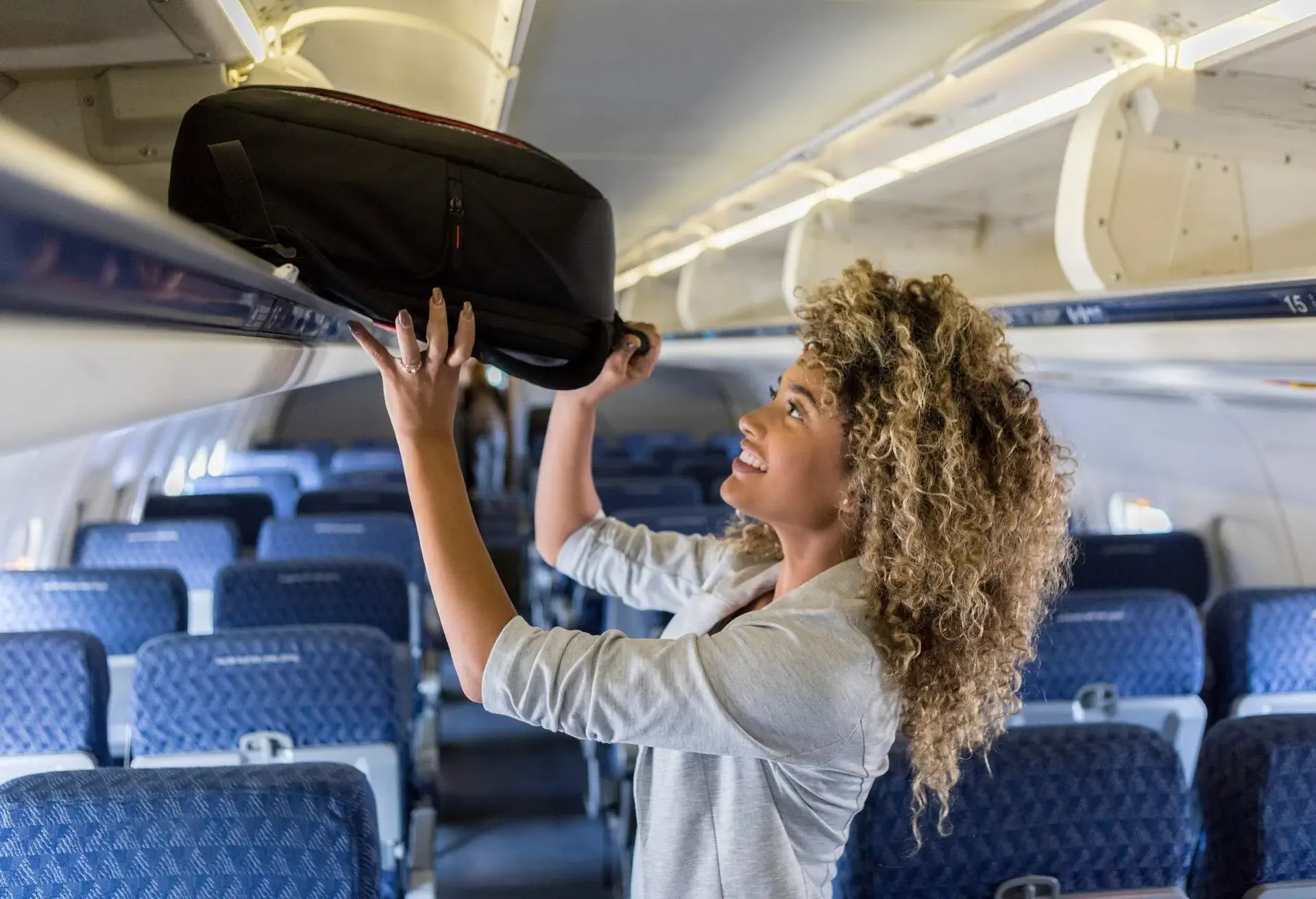

Because dimensions of carry-on luggage vary from airline to airline, knowing if your baggage is the right size is not as cut-and-dry as it once was.
To make your travel experience more seamless (and avoid fees), we created a tool for your phone that’ll measure your luggage.
How to check your bags with the Bag Measurement tool.
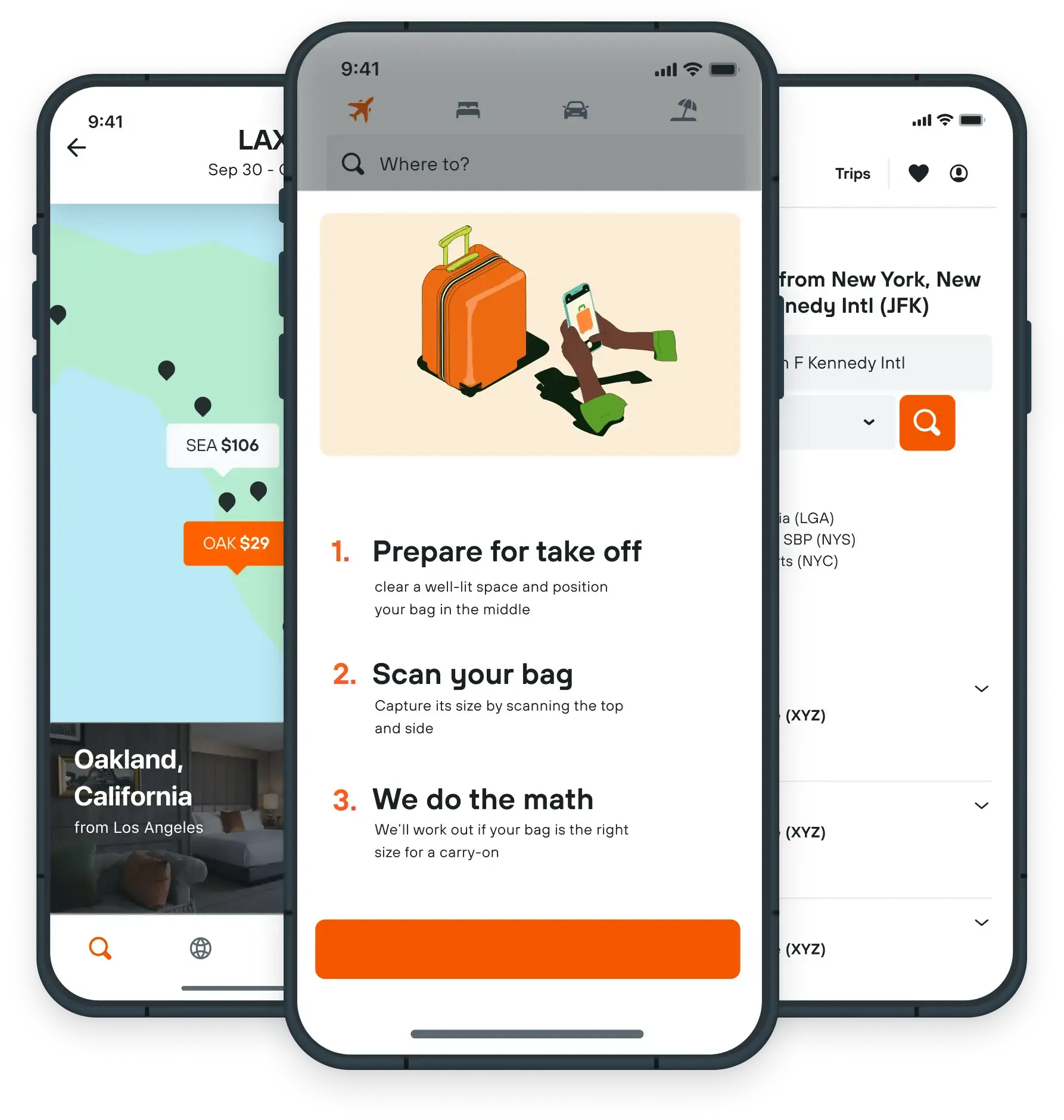
Our Bag Measurement tool helps you calculate your bag’s size and know if it’ll fit in the overhead bin (or not) before you get to the airport. Here’s how it works:
- Open the KAYAK app and click “bag measurement tool.”
- You’ll then be prompted to scan the floor (this helps calibrate measurements)
- You can then move your camera around your bag to capture its size.
- The tool will alert you with the bag’s exact measurements
The tool compares all airlines’ baggage policies in one place, so you know if your bag will fit no matter which airline you’re flying. Want to play around with it? It’s available on both updated iOS and Android devices. To use it, simply download the KAYAK app.
Don’t have a trip planned yet? We can help with that.